Image Gen Flow Library with 50 Editable AI Prompts
Browse 50 original AI image prompts for product shots, posters, portraits and more. Filter by task, copy the full text, or open it as an editable draft in HiHD.
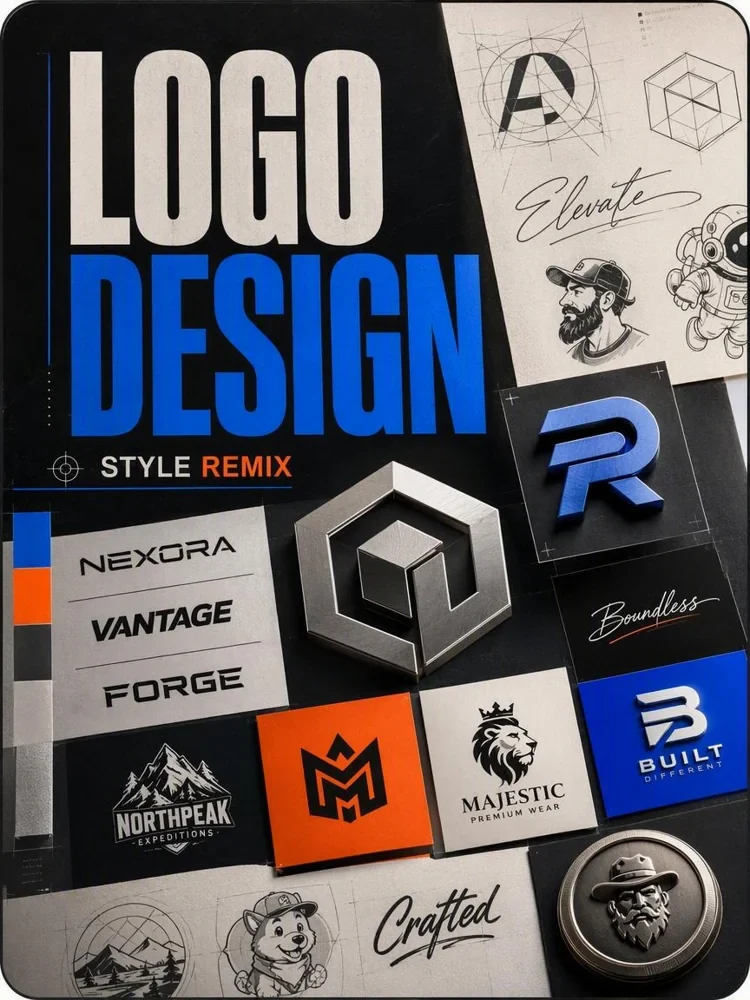
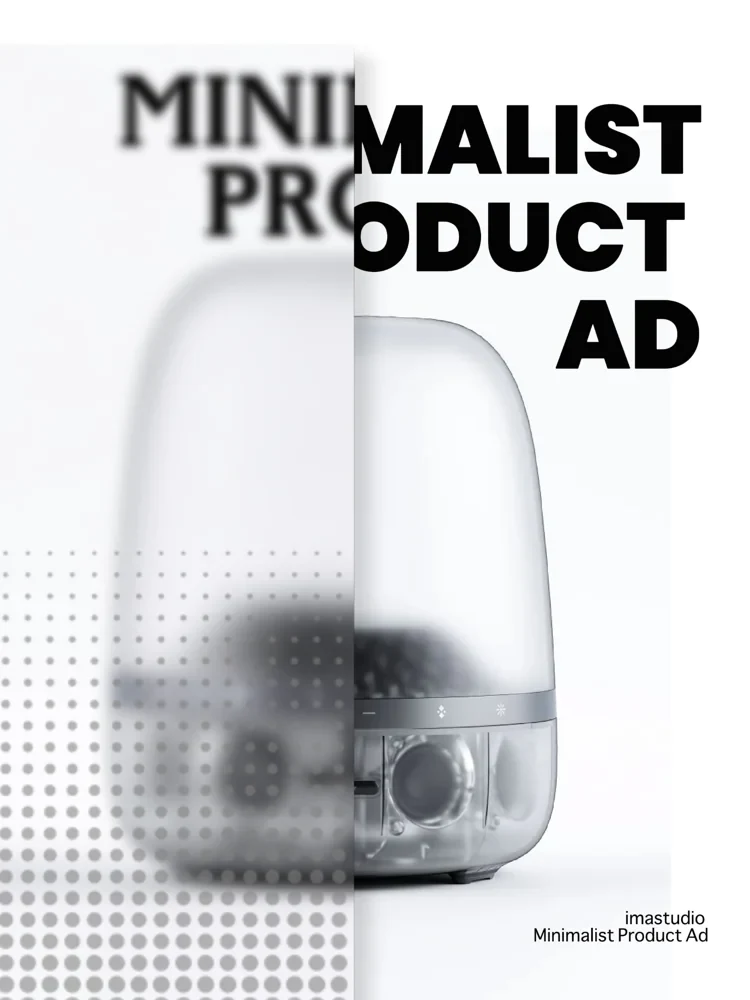
Poster design
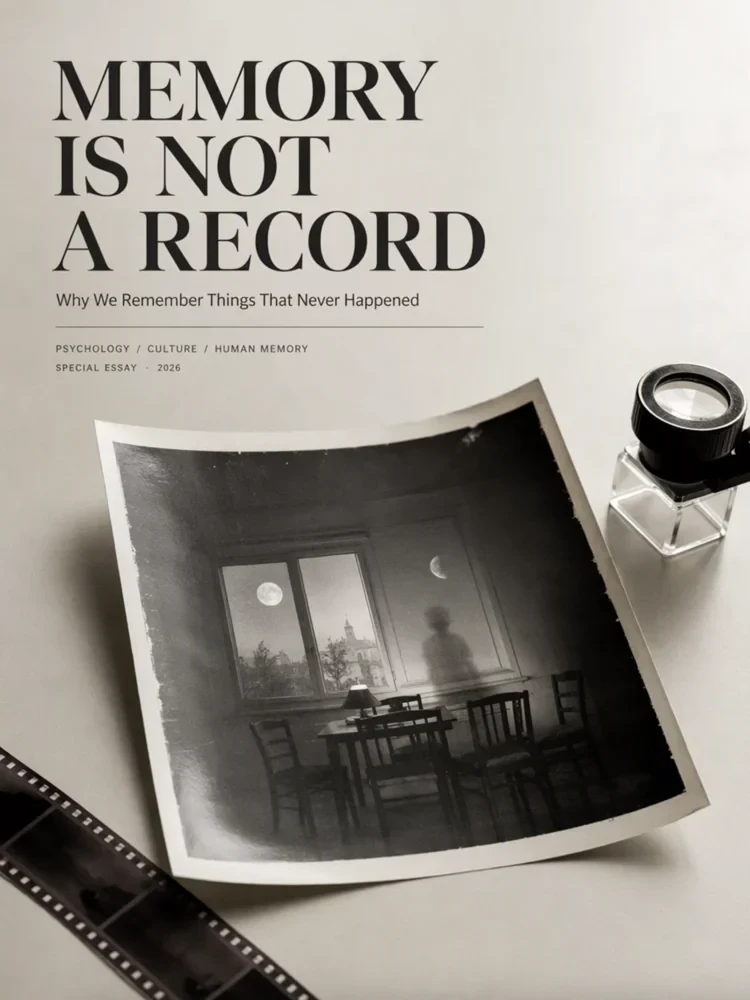
Listening-room poster
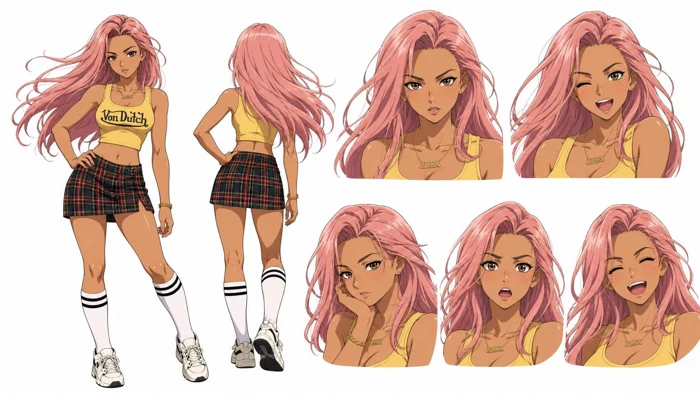
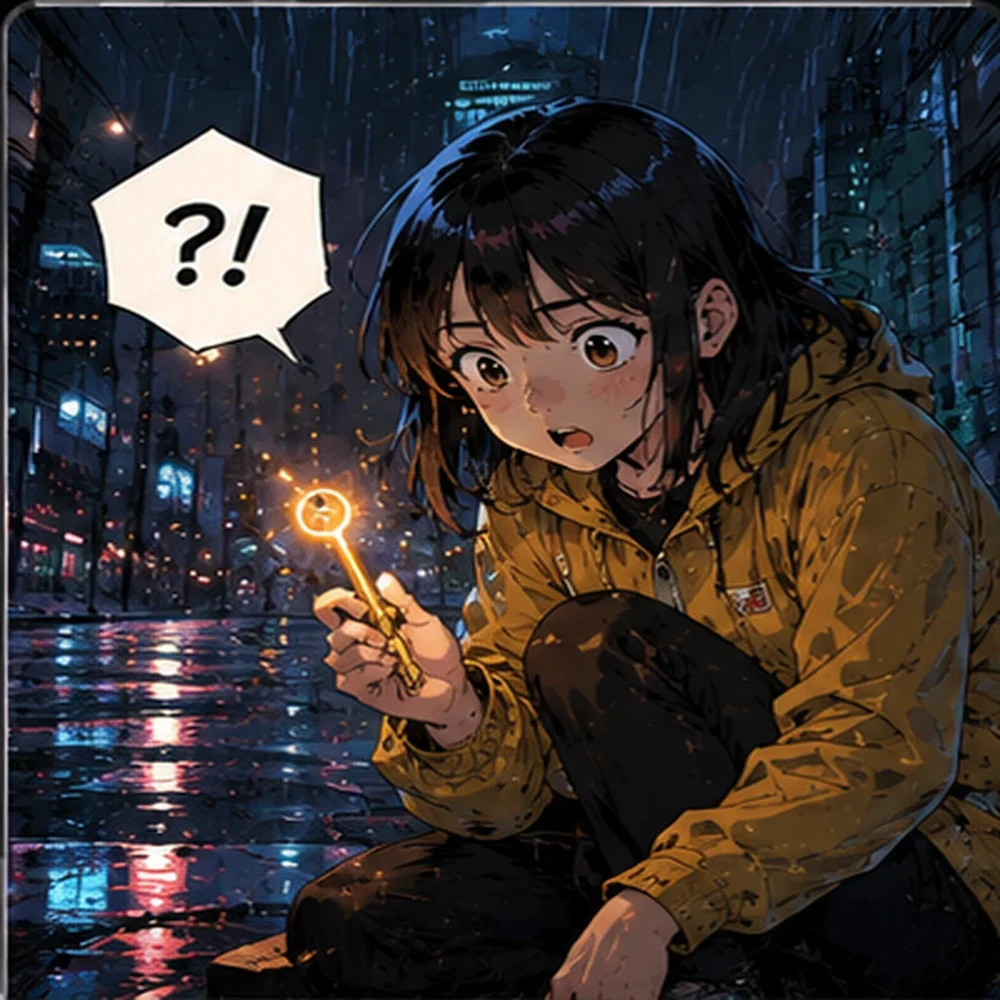
Characters
Characters · Illustration
Rain-city courier
Architecture & interiors · Photography
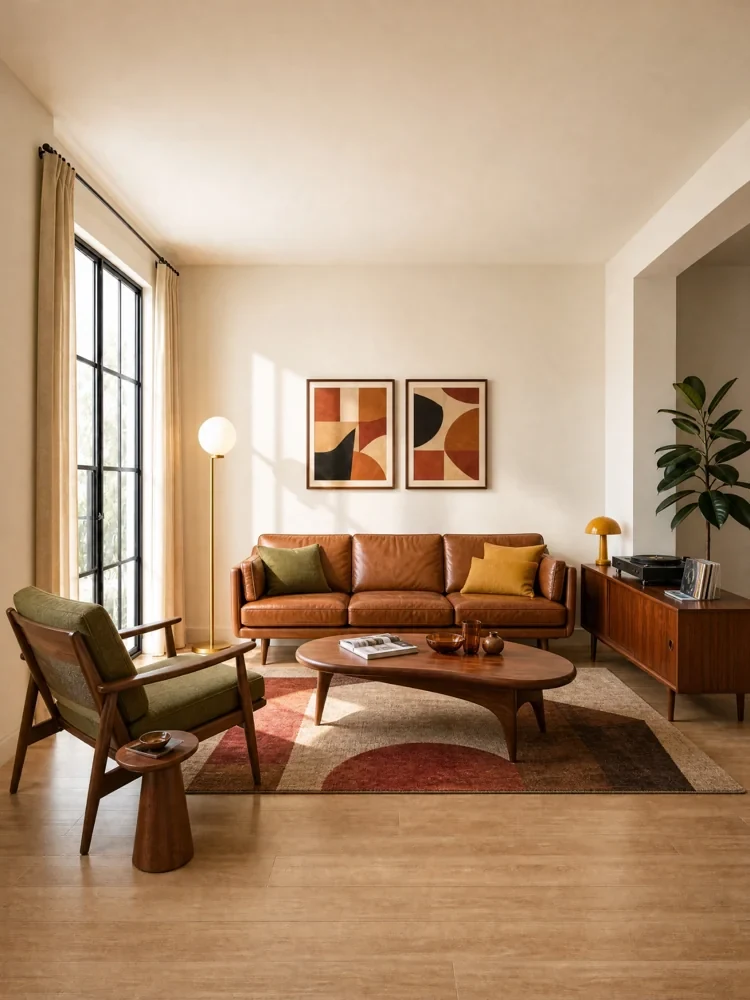
A quiet reading room
Illustration
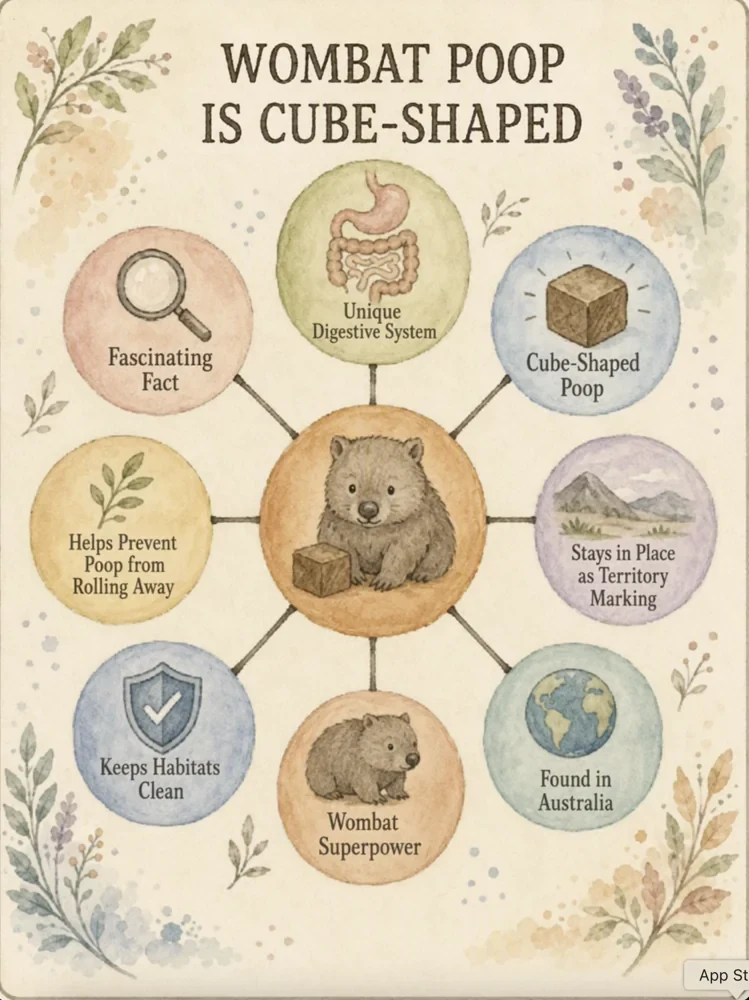
A tiny pond field guide
Photography · Characters
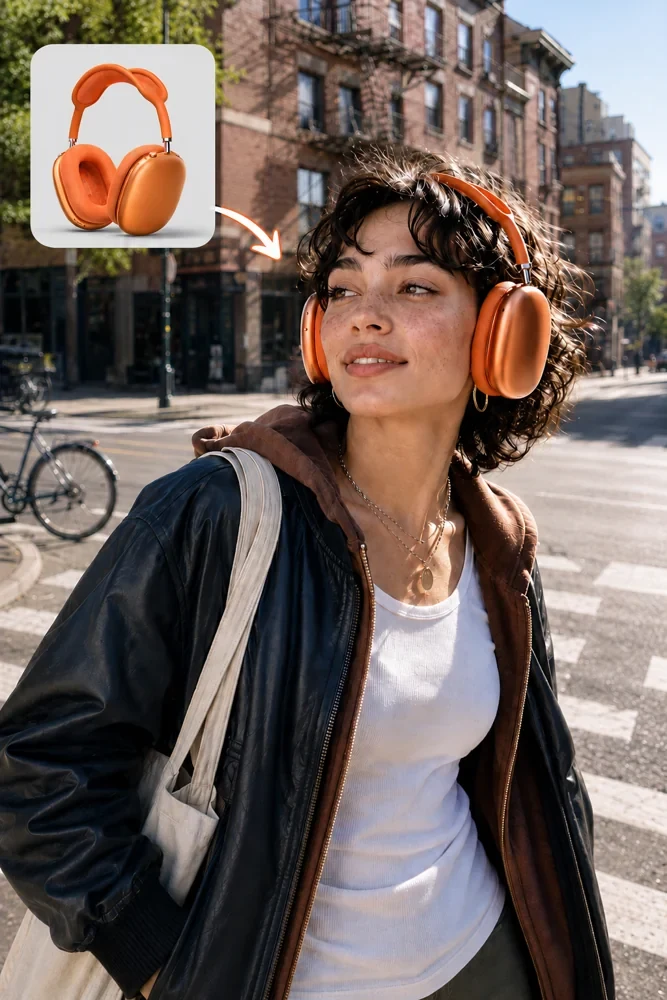
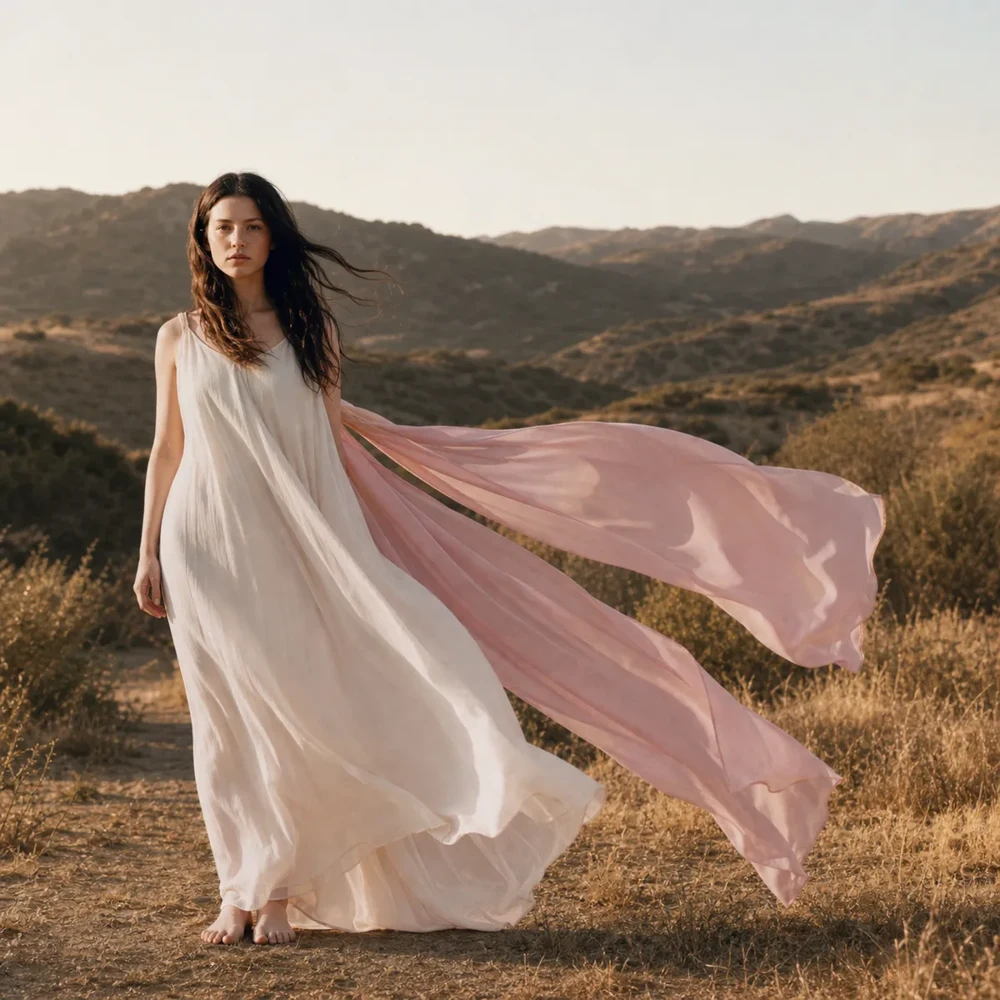
Street portrait at first light
Interface design
Interface design
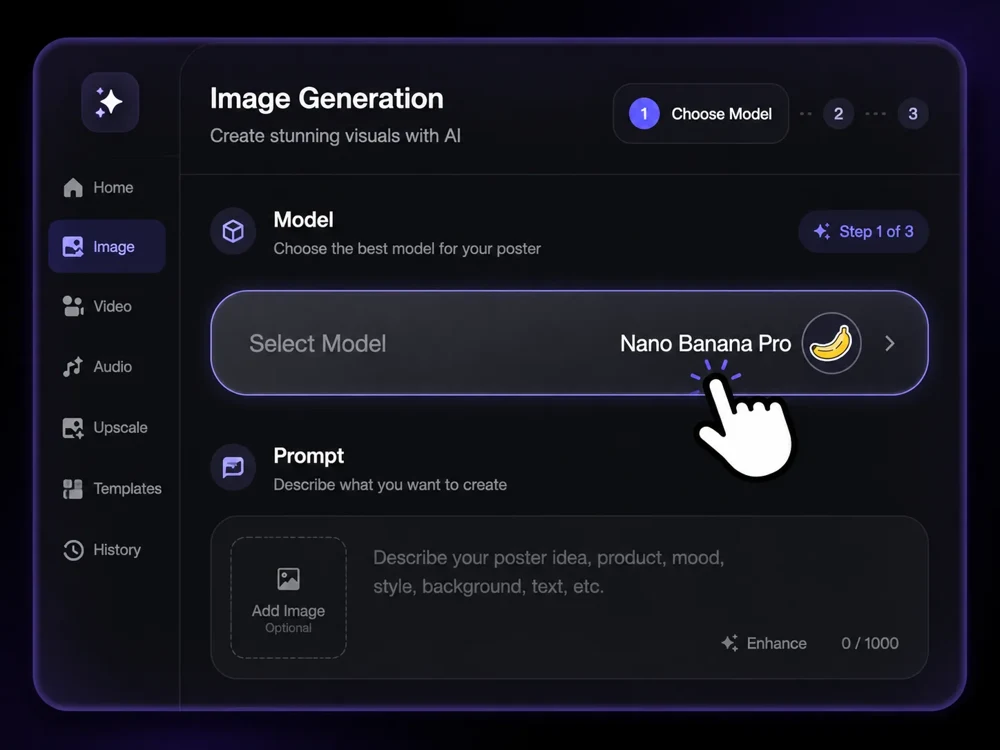
Field-log dashboard
Product images
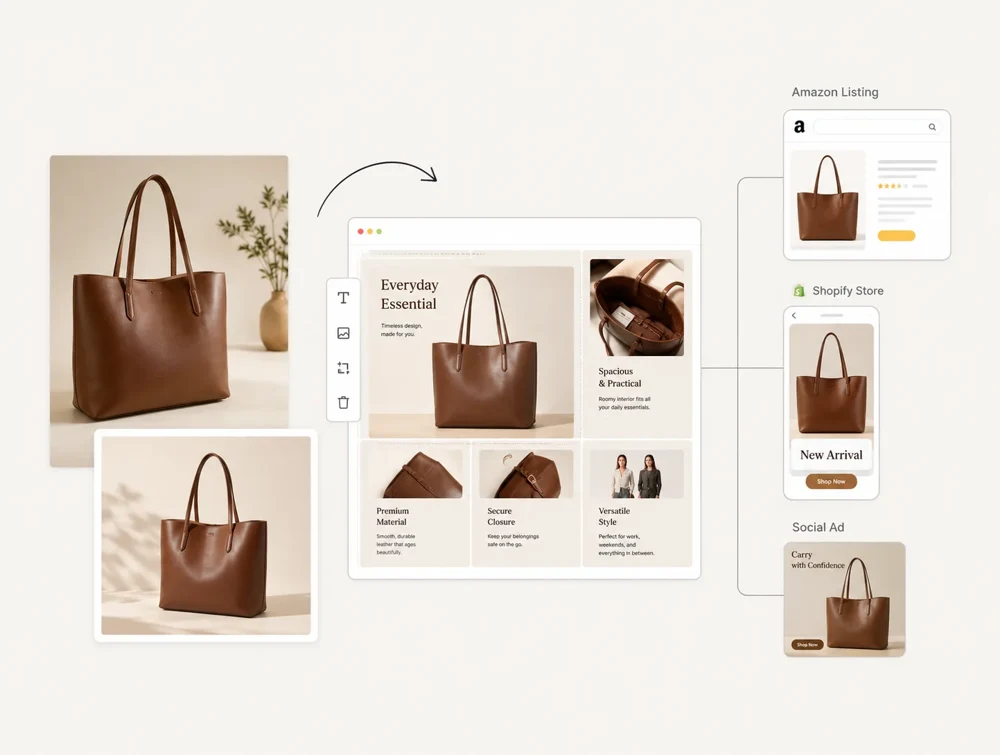
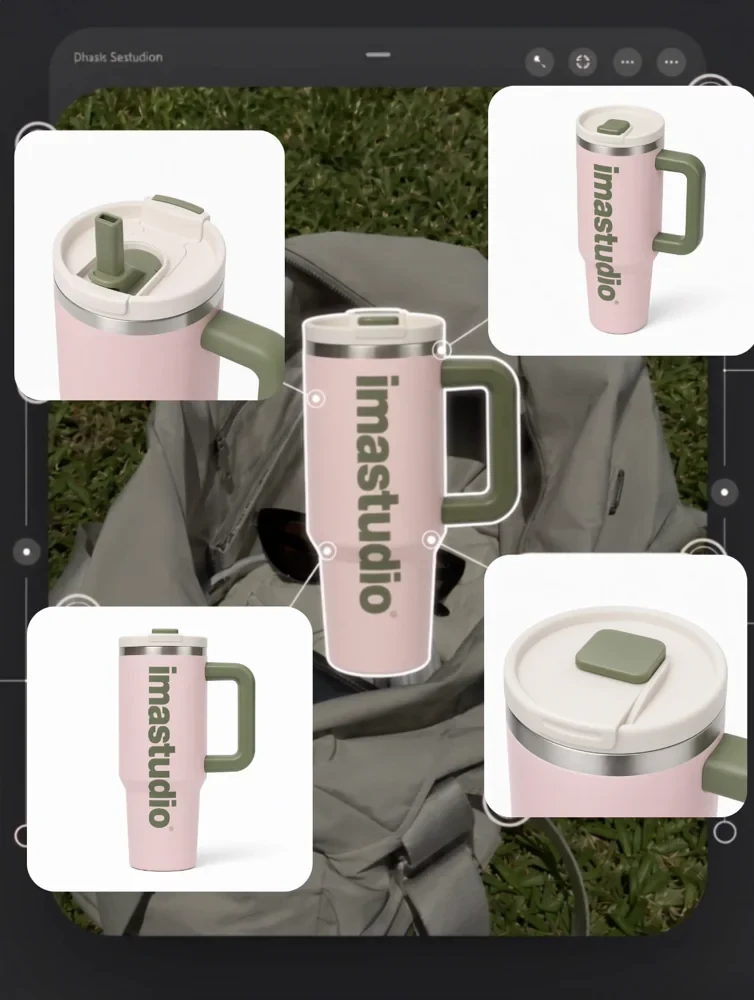
Canvas bag product set
Visual storytelling
Visual storytelling · Photography
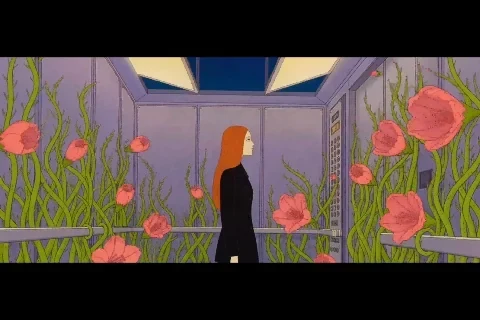
The last night train
Social covers · Architecture & interiors
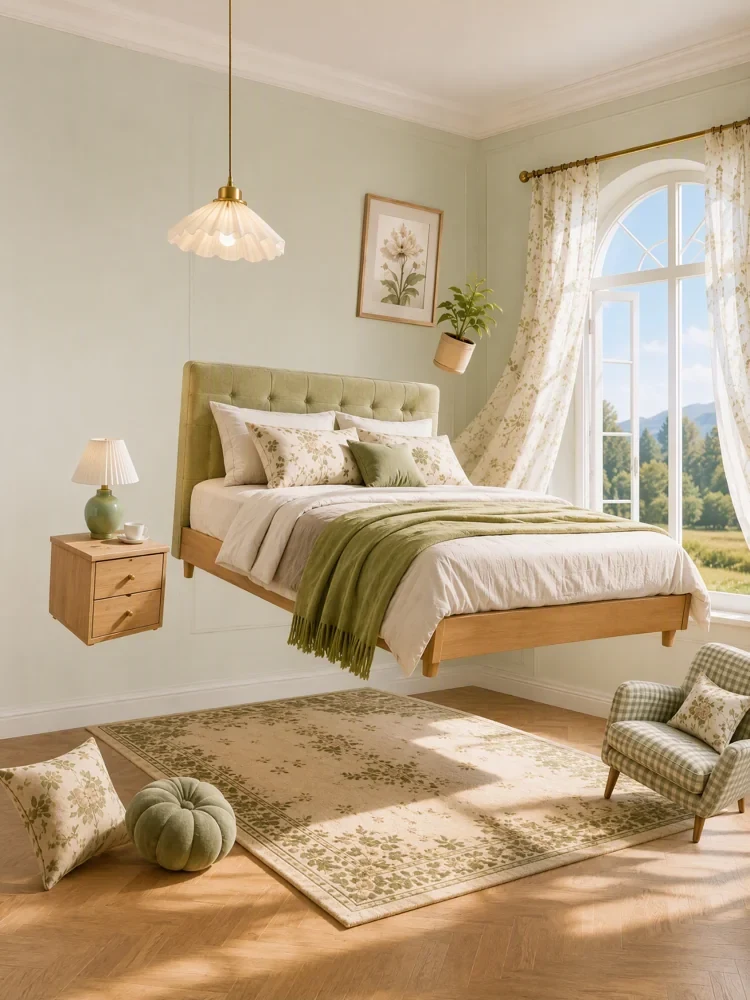
Rental room refresh cover
Photography
Photography · Product images
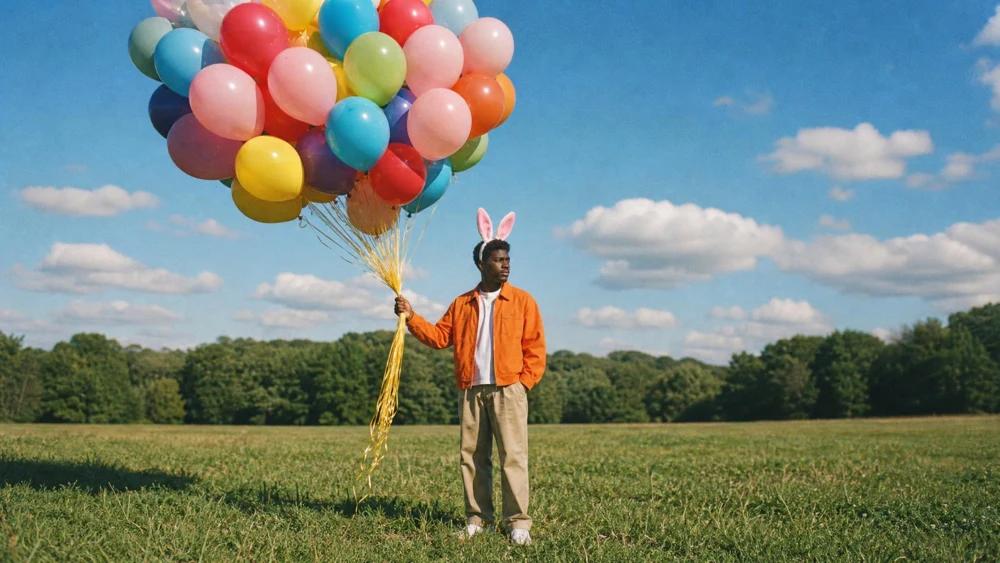
Summer soda fisheye
Poster design
Poster design · Social covers
Weekend market poster
Product images
Product images · Photography
Hand-thrown ceramic study
Poster design · Visual storytelling
Harbor cinema poster
Poster design · Social covers
Garden workshop flyer
Poster design · Interface design
Letterform exhibition
Poster design
Poster design · Illustration
Observatory open night
Characters
Characters · Visual storytelling
Ceramic apprentice sheet
Characters · Illustration
Rooftop radio repairer
Characters
Characters · Photography
Last tram conductor
Characters
Characters · Illustration
Botanical archivist
Architecture & interiors · Photography
A corner bookshop at dusk
Architecture & interiors
Architecture & interiors · Product images
Brick workshop showroom
Architecture & interiors · Social covers
Coastal guest room study
Architecture & interiors
Architecture & interiors · Visual storytelling
The station after rain
Illustration · Product images
A map of tea notes
Illustration
Illustration · Visual storytelling
Tide-pool pocket zine
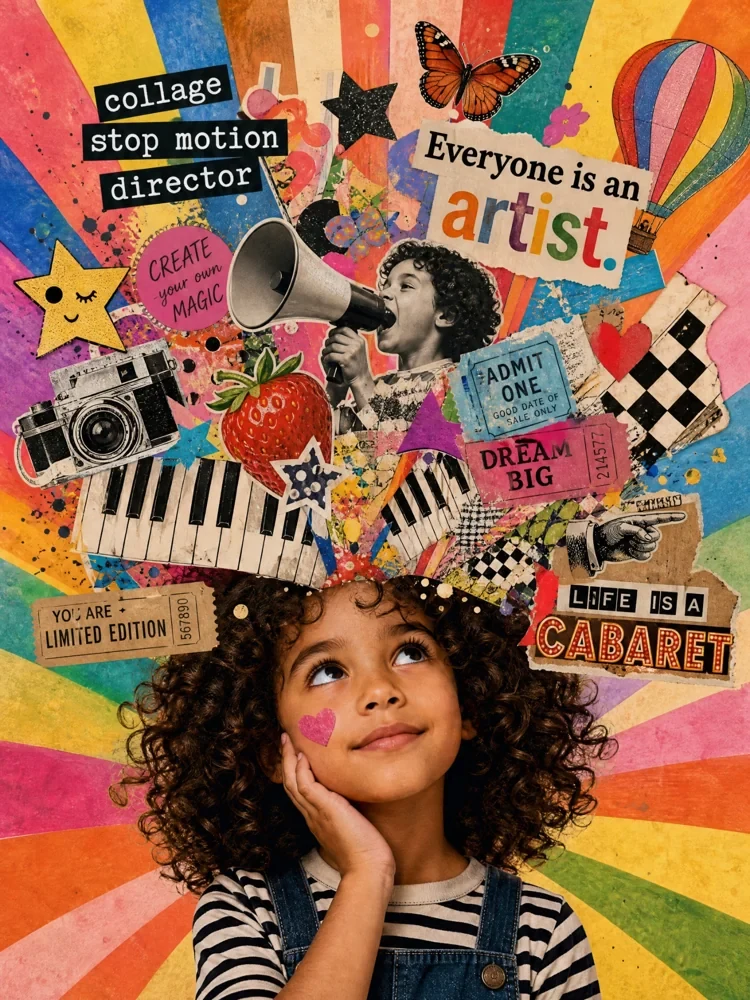
Illustration · Poster design
Orchard collage
Illustration
Illustration · Interface design
Desk lamp line study
Photography · Visual storytelling
Window portrait in light rain
Photography · Characters
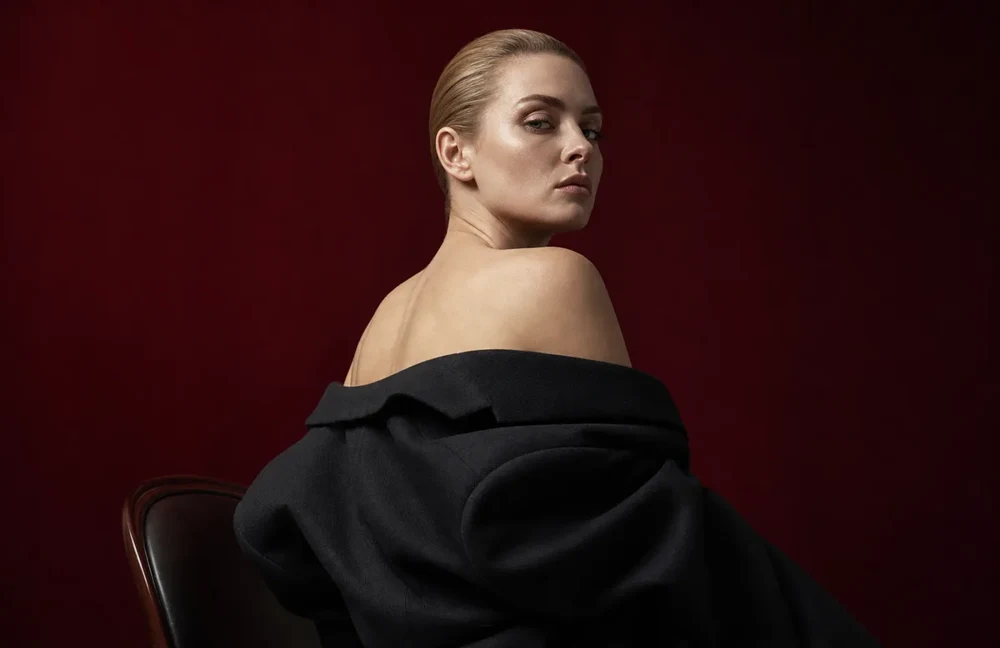
Gallery portrait in red light
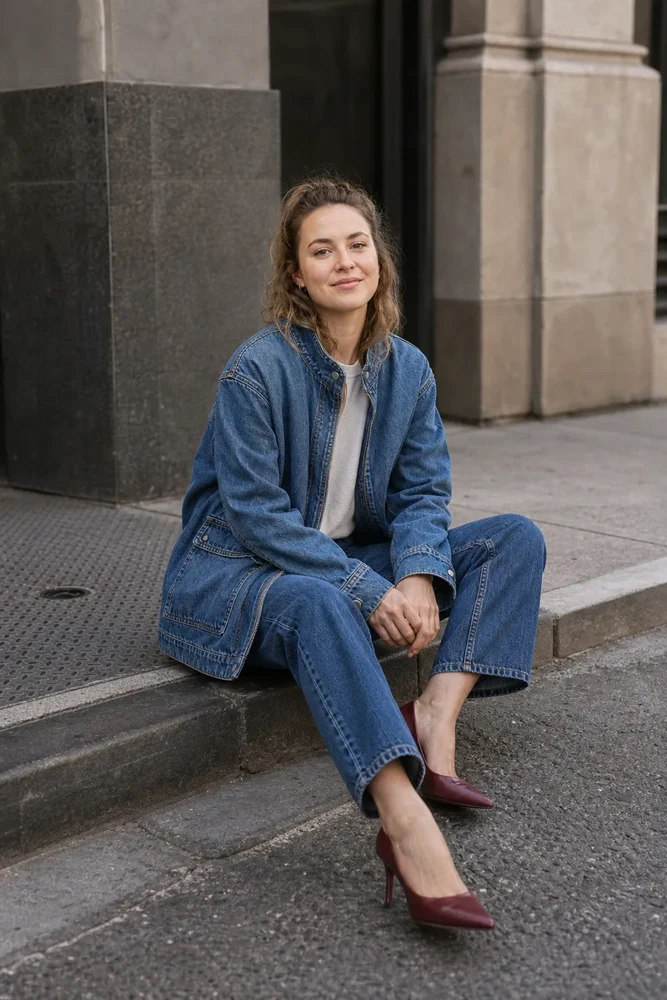
Photography · Product images
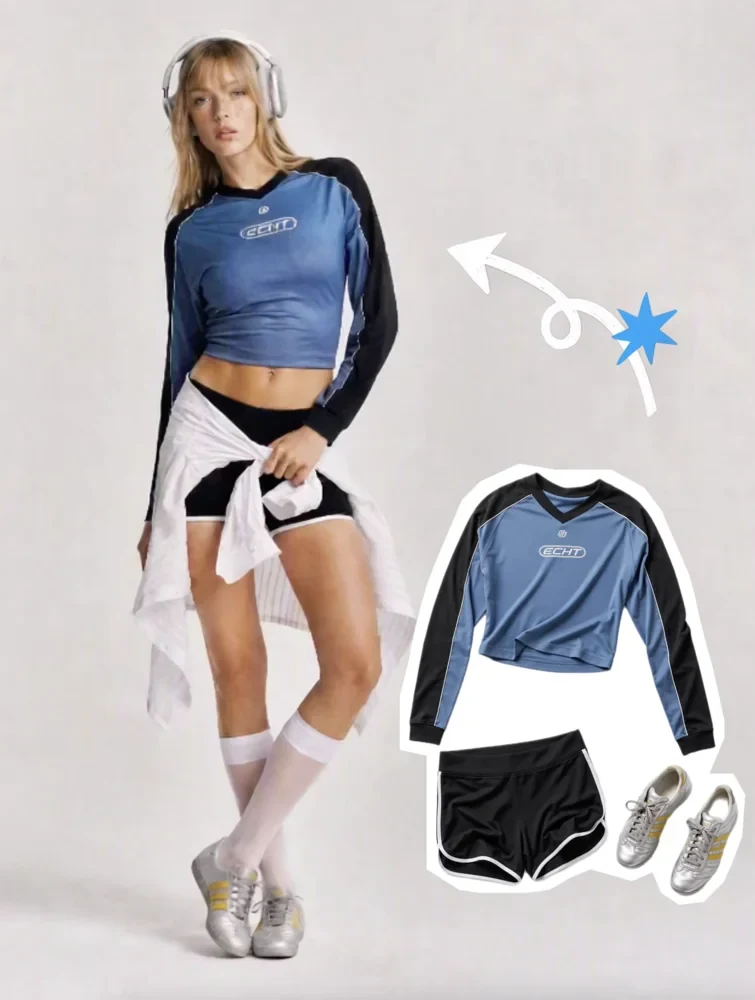
Windbreak fashion editorial
Photography · Visual storytelling
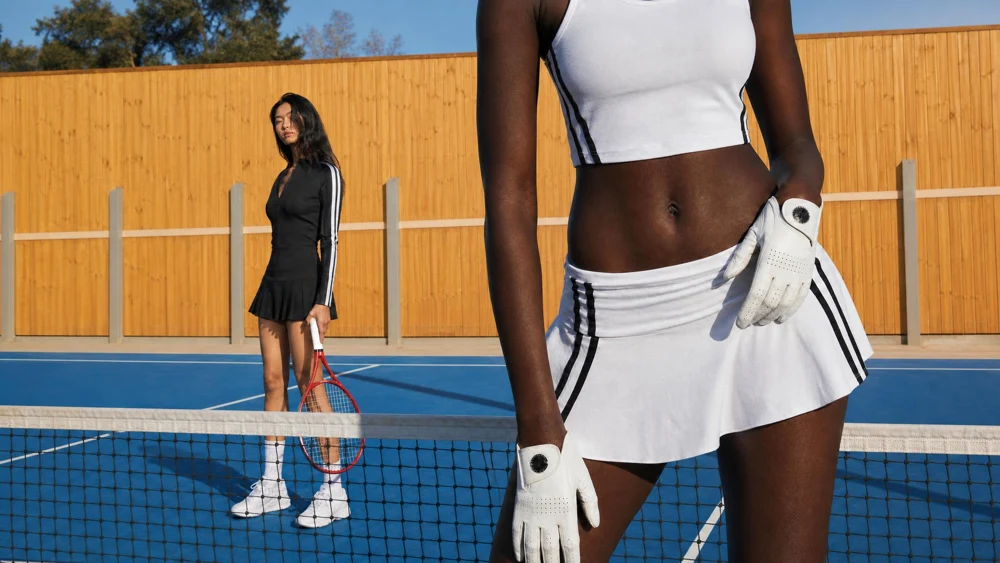
Empty court at late light
Photography · Product images
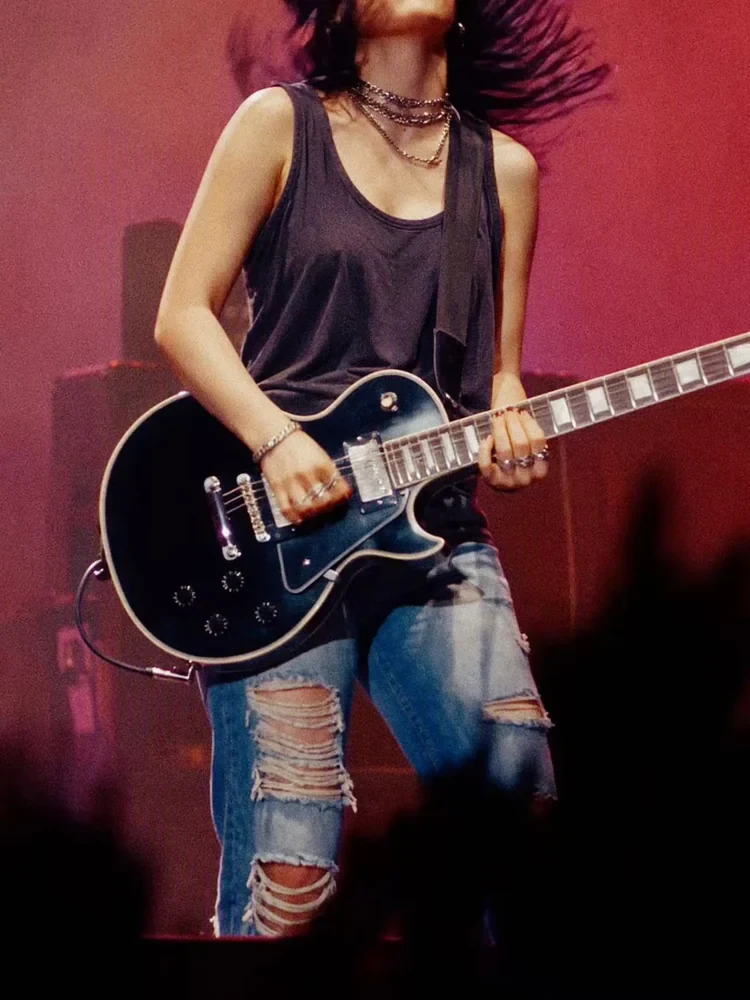
Analog music rehearsal
Interface design
Interface design · Poster design
Museum ticket screen
Interface design · Product images
Image export settings panel
Interface design
Interface design · Visual storytelling
Workshop repair timeline
Interface design
Interface design · Architecture & interiors
Neighborhood walking map
Product images · Photography
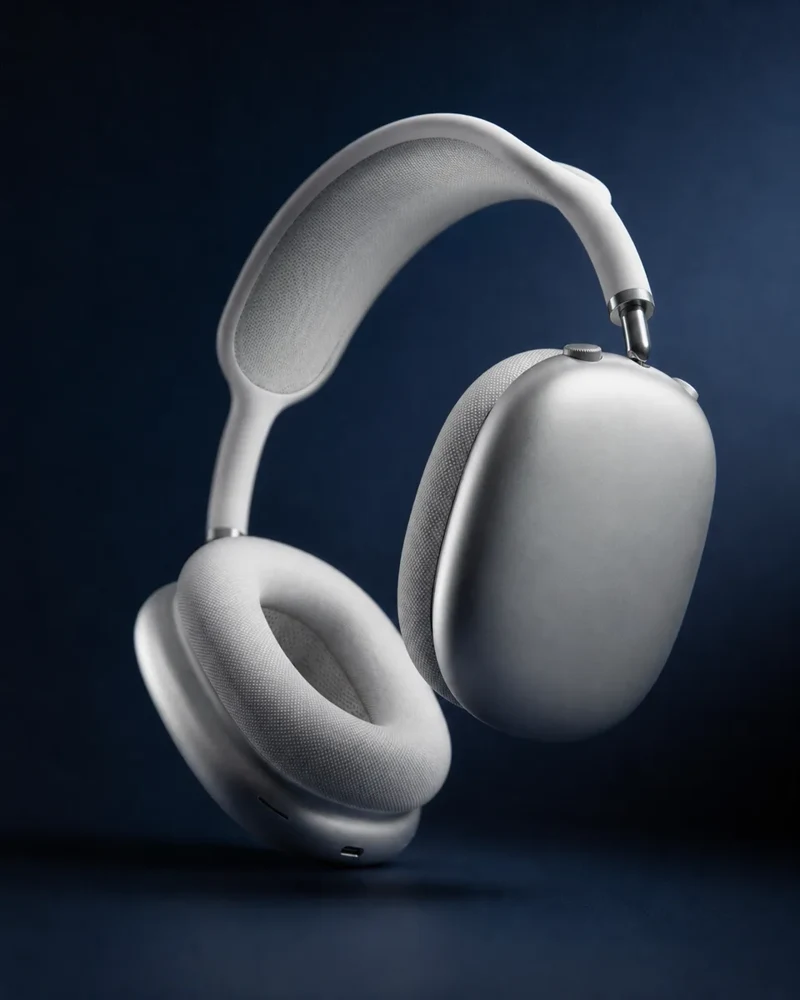
Headphone product hero
Product images · Illustration
Amber glass product set
Product images · Poster design
Lavender bottle launch card
Product images · Photography
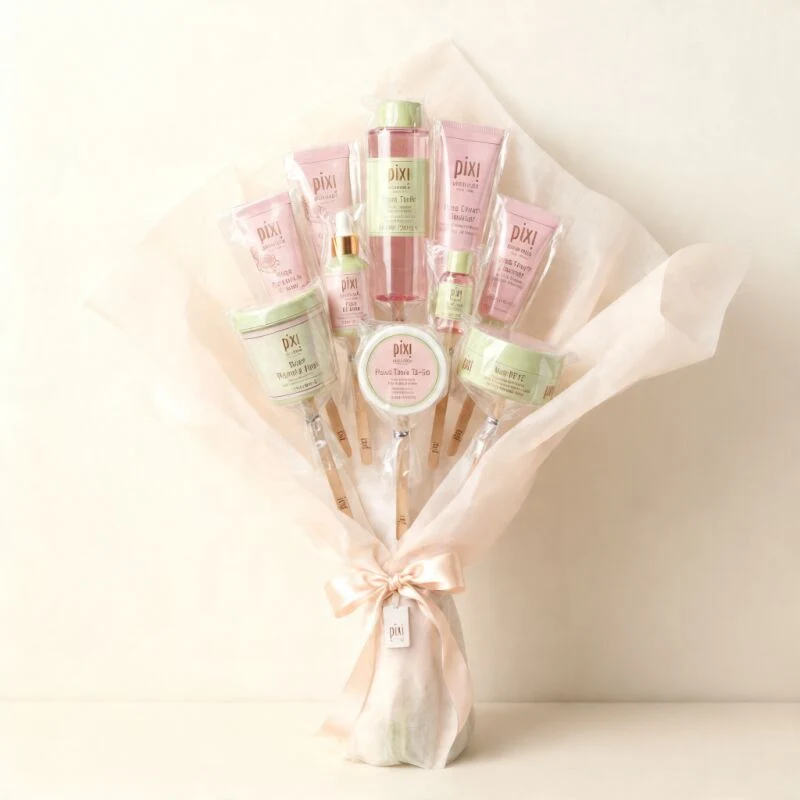
Wrapped bouquet detail set
Product images · Social covers
Trail knitwear product cover
Visual storytelling · Architecture & interiors
After-hours kitchen storyboard
Visual storytelling · Illustration
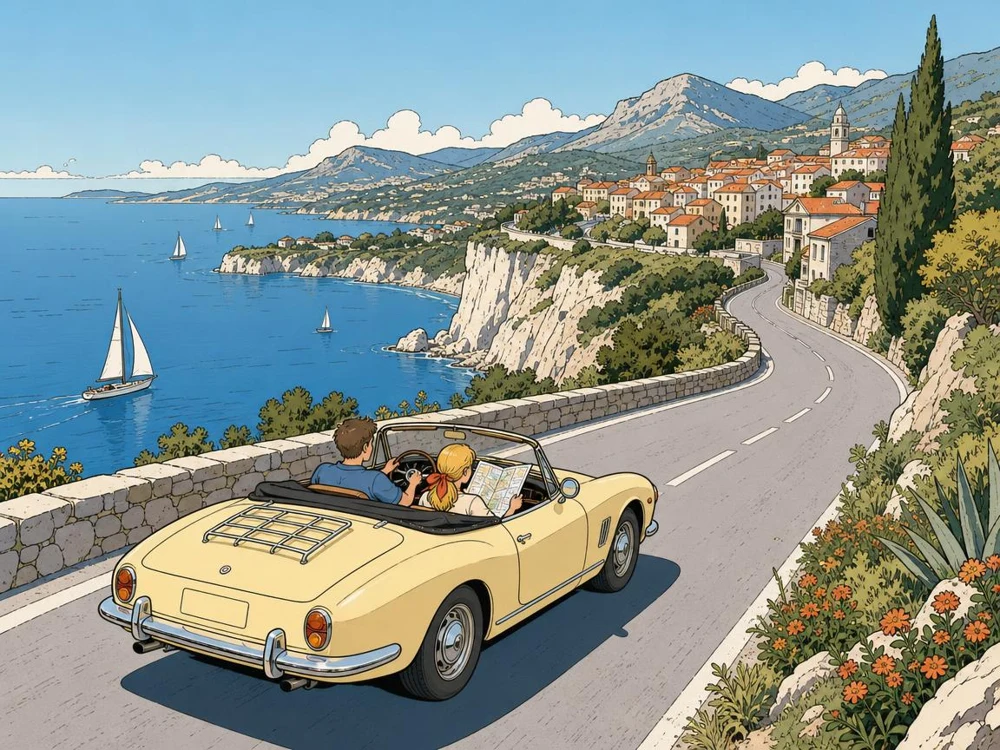
Coastal drive sequence
Visual storytelling · Illustration
Midnight postcard frames
Visual storytelling · Characters
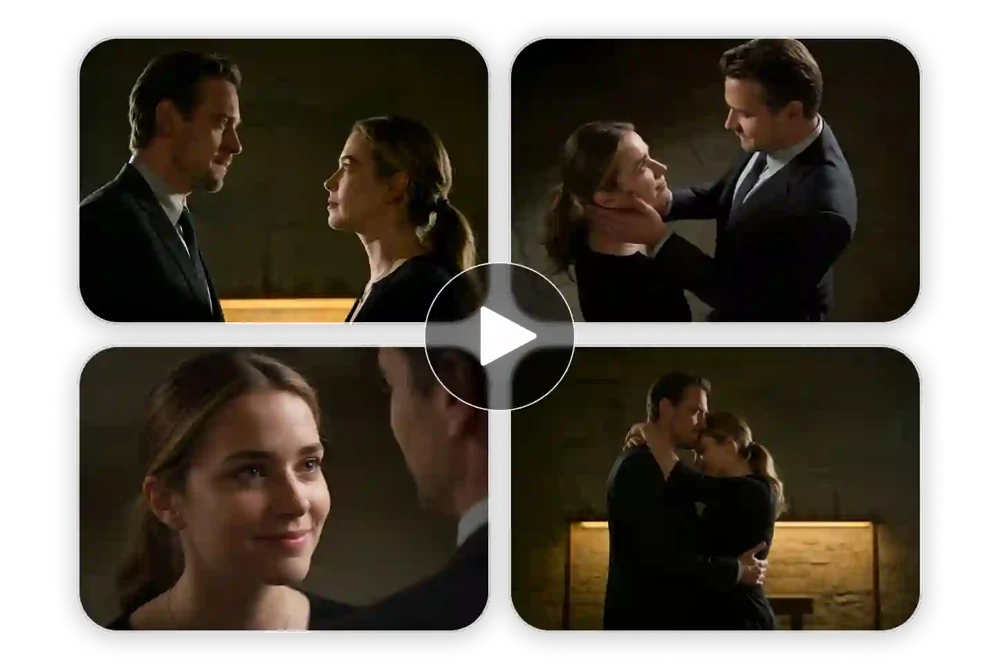
The last page storyboard
Social covers · Interface design
Desk reset checklist cover
Social covers · Product images
Weekend packing cover
Social covers
Social covers · Illustration
Neighborhood cafe walk cover
Social covers
Social covers · Architecture & interiors
Small balcony planting cover
Use the prompt as a draft
Replace the subject, setting or headline first. Keep any lighting, framing and layout instructions that suit your project. Card artwork illustrates the category. Where a prompt includes a reference, the studio action can bring it into the draft.
Three complete prompts you can try
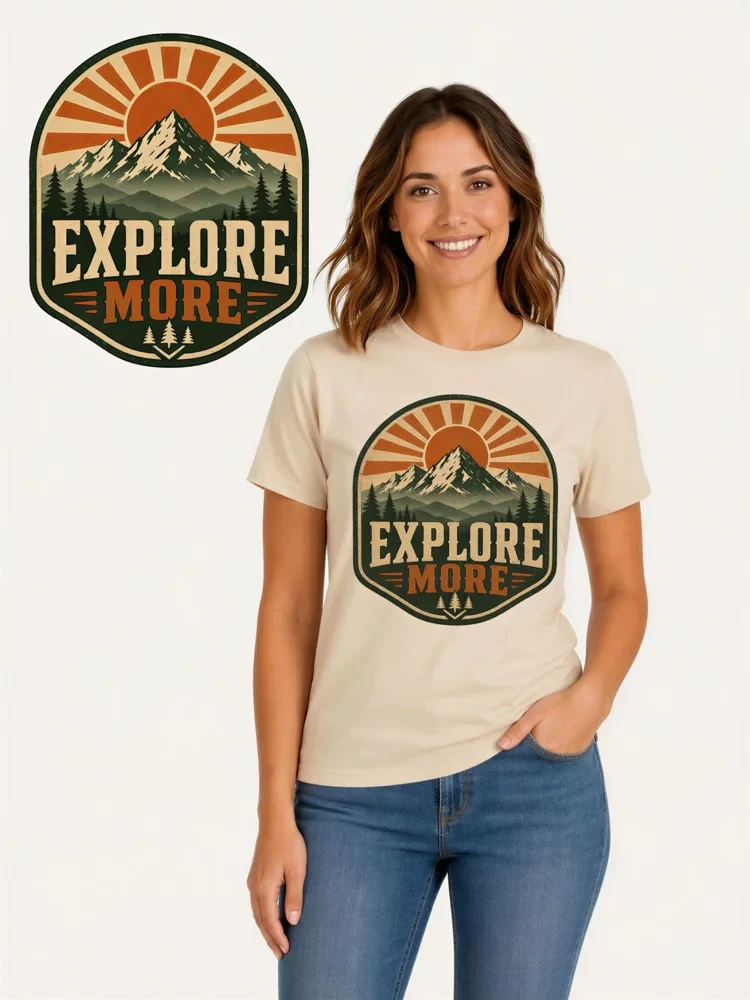
Canvas bag product set
Create a three-panel studio image of an unbranded canvas tote. Show the full bag standing, a close-up of the stitching, and a view looking inside. Keep the canvas color consistent on a warm neutral backdrop.
Swap in your product and pick the details you want to show in each panel.
Listening-room poster
Design a cream-and-charcoal poster for a small listening room. Place a grainy close-up of a spinning record in the lower third. Set aside the top half for one short serif headline and a small date line. Keep the layout spare and the paper lightly textured.
Replace the event, headline and date. Keep the open space and print texture if they suit your design.
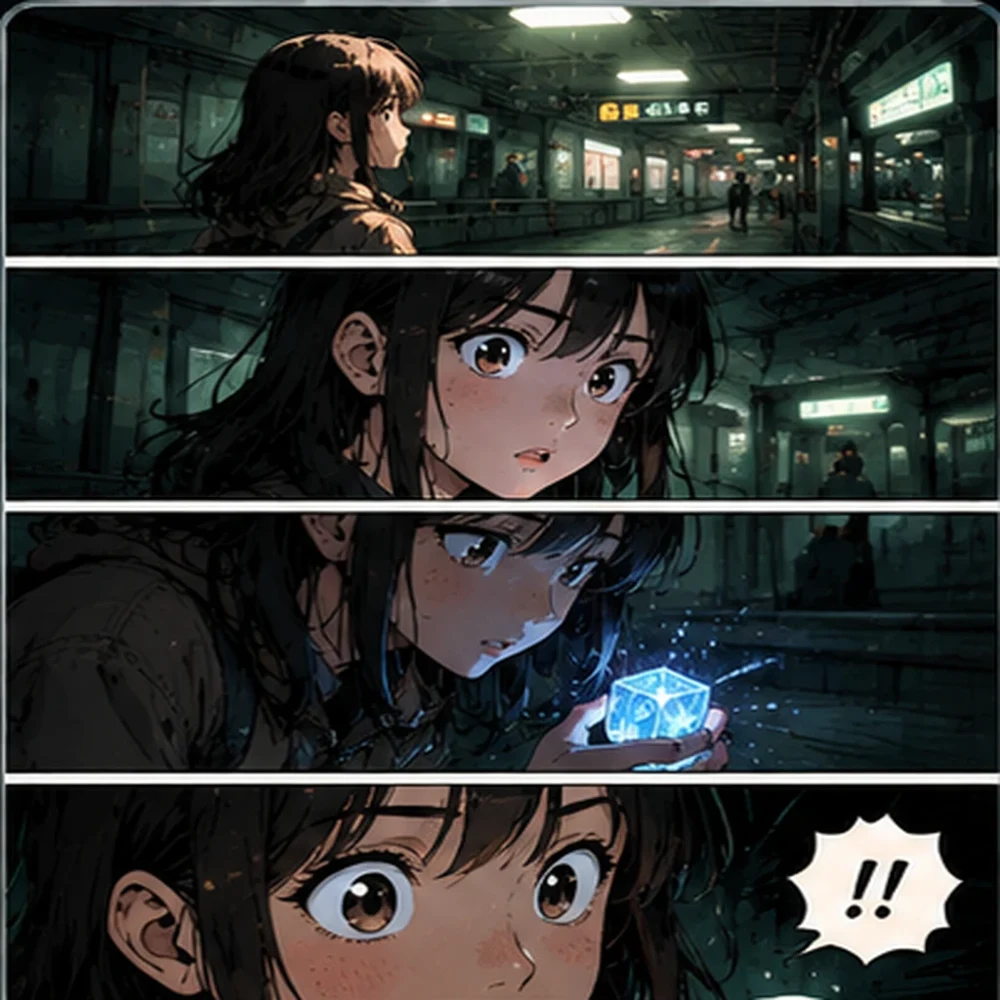
The last night train
Compose a three-frame story about a commuter who spots a lit greenhouse from a night train. Begin with a window reflection, reveal the greenhouse in a distant wide shot, then end on the commuter’s quiet reaction.
Change the commuter or the thing they discover. Keep the three beats to plan the reveal.
A few things to know
Using the Image Gen Flow prompt library
Does opening a prompt generate an image?+
No. Opening a card lets you read or copy the prompt. Opening it in the studio loads a draft you can edit before you start a generation.
Where are my favorites saved?+
Favorites are saved in this browser. Use the Favorites filter to find them again on the same device and browser.
What happens to a reference image when I open a draft?+
If the card includes a bundled reference, you can send it along with the prompt or use the text by itself. Card artwork is illustrative.
Can I copy a prompt and use it elsewhere?+
Yes. Open the card, select the prompt language and copy the text. You can edit it in the image editor of your choice.
 HiHD